
What is input device?
Input device is a device which takes data from the user and send into computer. It enables computer to interact with outside world. It helps users to give command/instruction to the computer. There are many inputs device such as keyboard, mouse, microphone etc.
Input devices: –
- Keyboard
- Mouse
- Scanner
- Light pen
- Digitizer
- Microphone
- Touch screen
- Digital camera
- Biometric devices
- Keyboard: – It is an input device which takes data in the form of characters, Symbols, numbers, functions etc. It has normally 104 to 105 keys. It is used to enter data to the computer or any other devices.
Types of Keyboard
- Standard/QWERTY keyboard: – It is the keyboard that is normally used by users. It has 104 to 105 keys. It has function keys, numbers keys, alphabet keys, and some special keys. It is very popular that some people think It is the only keyboard.

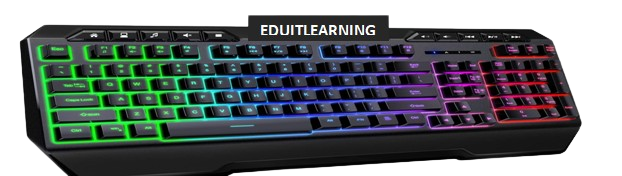
- Multimedia/Gaming Keyboard: – It is normally used for gaming or multimedia purposes. It has additional keys that controls multimedia functions such as pause/play, volume control, web browsing, next, previous, and some special buttons to launch media. It has normally 115 to 120 keys.
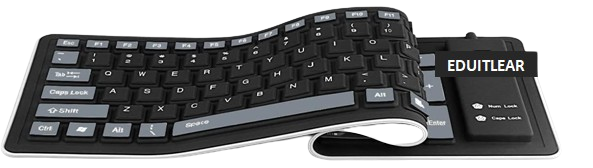
- Roll up keyboard: – It is normally made by silicon and other soft polymers. It is flexible. It can be easily folded/rolled. It is portable and easy to carry.
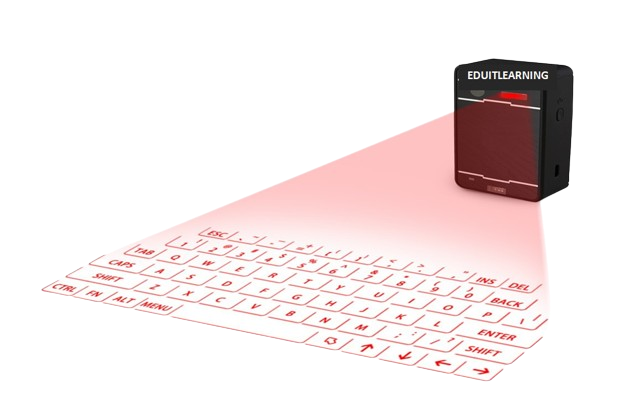
- Laser Keyboard: – It is a laser based keyboard also called projection keyboard. It is a device that projects a virtual keyboard on the surface. It uses camera and sensors to detect finger movements.
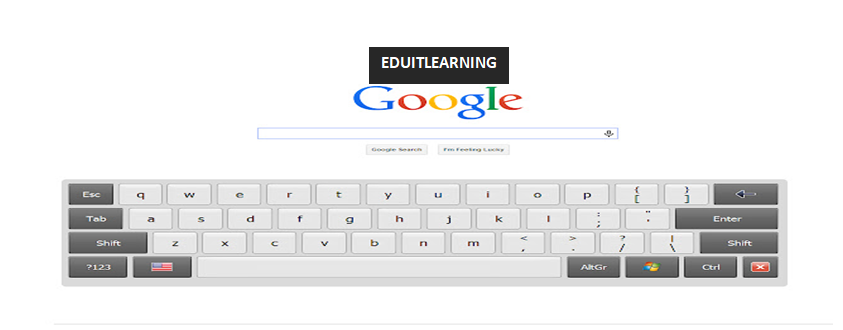
- Virtual Keyboard: – It is on screen keyboard. It is run by mouse. It cannot be touched. We can say that it is a software that enables to enter characters or numbers through mouse.
2. Mouse: – It is an input device which takes data in the form of clickable form. It detected the movement of mouse and moves the cursor. It is a pointing device which is used to open or select anything in the computer. It has 3 buttons i.) Right button, ii) Left button, iii) Scroll bar.
Types of Mouse
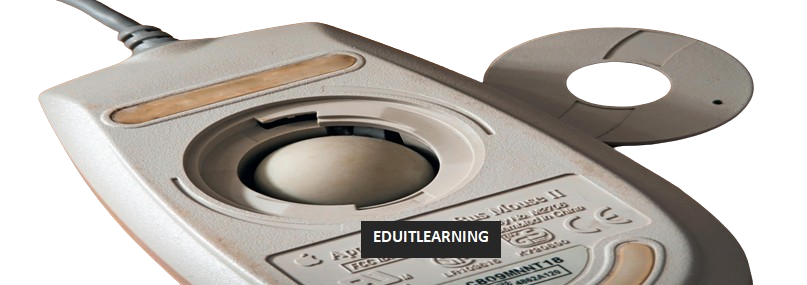
- Mechanical mouse: – It has a rubber or metal ball on the bottom side. When we move the mouse than ball will also move and when ball rolls then mechanical sensors inside the mouse detect the direction and move the pointer. Now a days, mechanical mouse is not used.
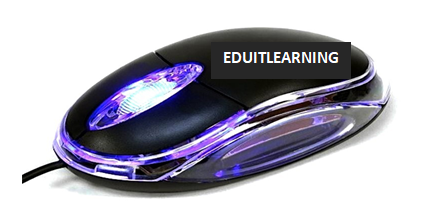
- Optical mouse: – It has a light sensor in the bottom side. When we move the mouse then light sensor detect the direction and moves the pointer. Now a days, optical mouse is used.
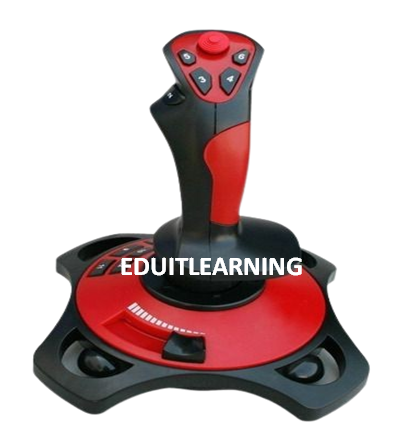
- Joystick: – It is normally used for gaming purpose. It is used to change direction. It has a base and the stick. When we move the stick, pointer or cursor will also moves. Joysticks often have additional buttons or triggers that can be used to perform actions such as shooting, jumping, or interacting with objects in the game world.
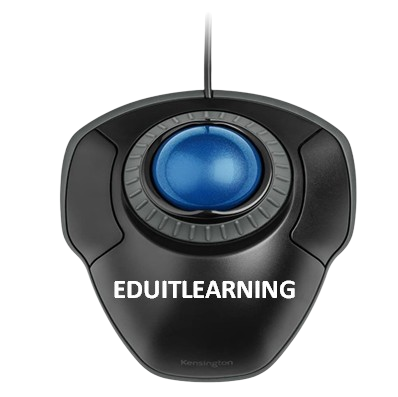
- Trackball: – It is a ball mechanism to control the movement of cursor or pointer. The ball is half inserted in the device and can be easily handled by finger. The device has a sensor to detect direction. When we move the ball then sensor detect the direction and moves pointer.
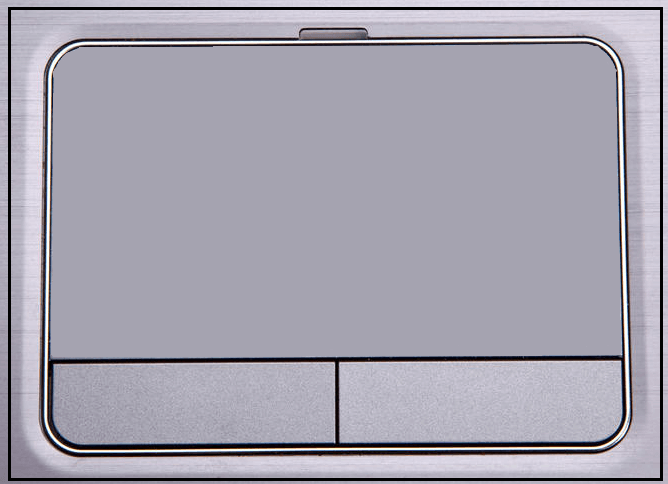
- Touchpad: – It is normally found in the laptop. We don’t need to move the mouse. We only need to touch the pad and move the finger. When we move the finger then pointer or cursor will also moves.
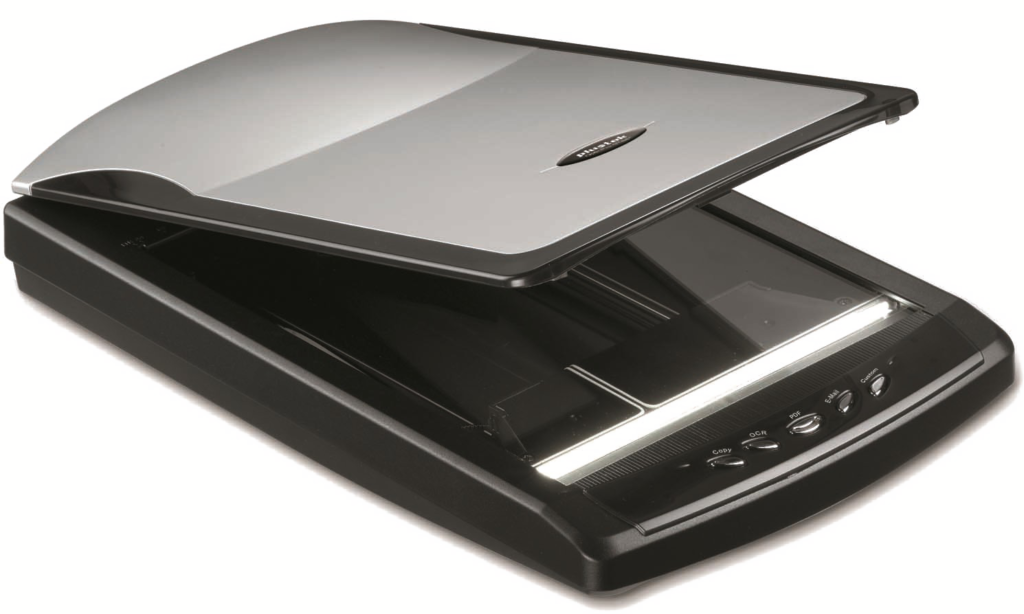
3. Scanner: – It is a device which is used to convert hard copy to soft copy. It scans the physical document or images after scanning, it converts that document into the digital format or file.
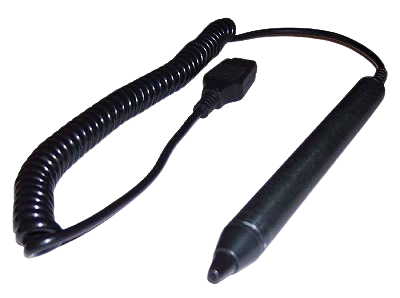
4. Light Pen: – It looks like a pen. It is used to write, open, select anything in the screen. It also helps us to draw on the screen.
5. Digitizer: – It is also known as graphic tablet or drawing tablet. It is a device that helps to draw, sketch, handwritten signature and data in the computer. It consists of flat surface and a stylus or pen like instrument that helps to draw.

6. Microphone: – A microphone is an input device that captures sound waves and converts them into an electrical or analog signal. This signal is then sent to a computer where it is converted into a digital format (1s and 0s) and stored for processing or playback.

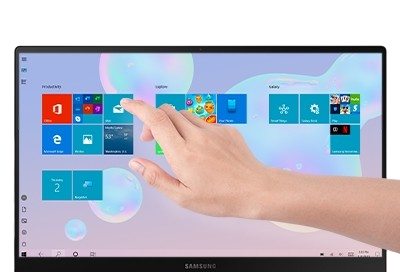
7. Touch Screen: – It is an input device that helps to input data by finger. Nowadays, it is used mostly in every device. It helps to input data without mouse or physical keyboard.
8. Digital camera: – It is an input device that captures images and videos digitally and then stores them into a memory.

9. Biometric devices: – Biometric devices are used for biometric identification, which is the process of recognizing a person based on their unique biological features, such as fingerprints, facial structure, iris or retinal patterns, and voice. These devices capture and analyze these features to verify or identify individuals.
