
Introduction to JavaScript
JavaScript is one of the most powerful and widely used programming languages in the world.
If you have ever clicked a button, submitted a form, viewed an image slider, or interacted with a modern website, chances are JavaScript was working behind the scenes.
What is JavaScript?
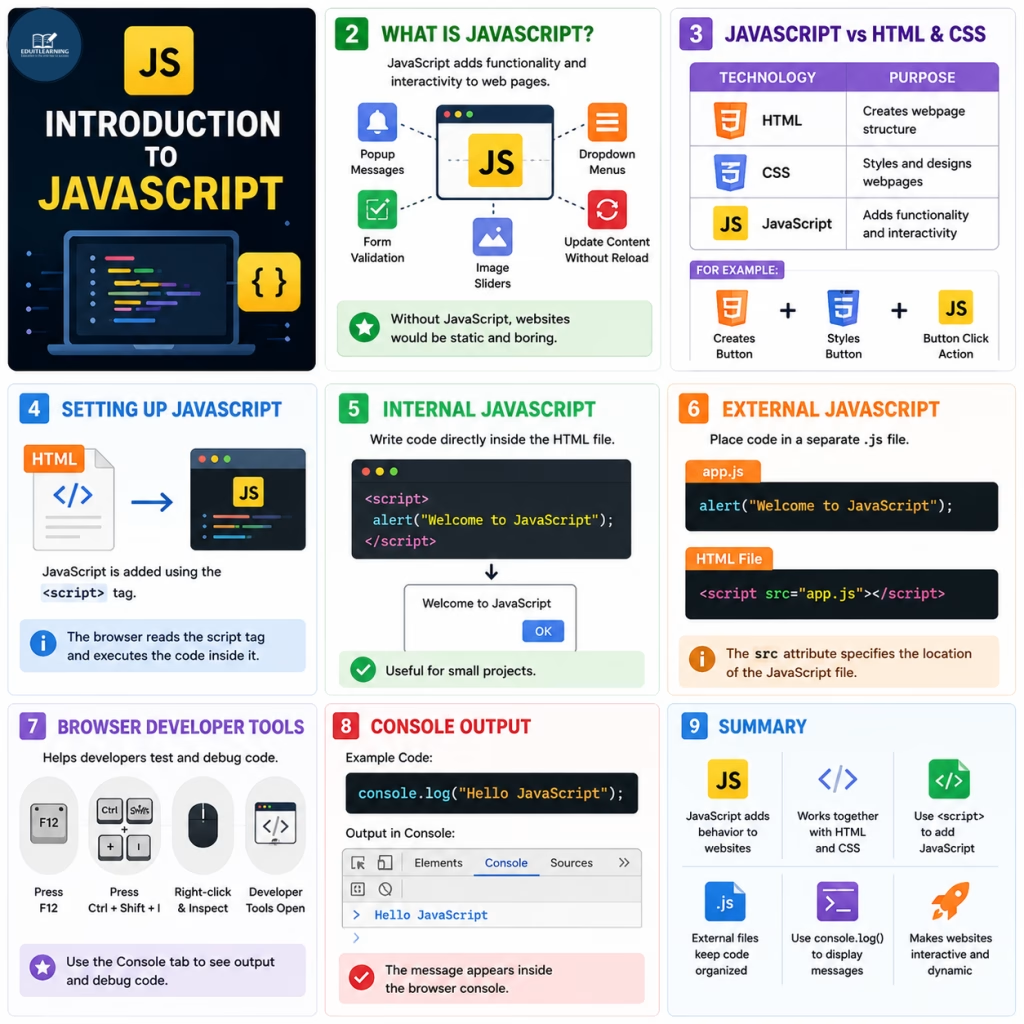
JavaScript is a scripting language used to add functionality and interactivity to web pages.
When building a website:
- HTML creates the structure.
- CSS creates the design.
- JavaScript creates the behavior.
For example, JavaScript can:
- Show popup messages
- Validate forms
- Create image sliders
- Display dropdown menus
- Update content without reloading the page
- Create interactive web applications
Without JavaScript, websites would be static and much less engaging for users.
JavaScript vs HTML and CSS
| Technology | Purpose |
| HTML | Creates webpage structure |
| CSS | Styles and designs webpages |
| JavaScript | Adds functionality and interactivity |
For example:
- HTML creates a button.
- CSS styles the button.
- JavaScript determines what happens when the button is clicked.
Therefore, all three technologies are required for modern web development.
Setting Up JavaScript
Before writing JavaScript code, it must be connected to an HTML page.
JavaScript is added using the <script> tag.
The browser reads the script tag and executes the code inside it.
Internal JavaScript
Internal JavaScript means writing code directly inside the HTML file.
Example:
<script>
    alert("Welcome to JavaScript");
</script>
When the page loads, a popup message appears.
Internal JavaScript is useful for small projects.
External JavaScript
For larger projects, developers usually place JavaScript code inside separate files.
Example:
app.js
alert("Welcome to JavaScript");HTML File
<script src="app.js"></script>The src attribute specifies the location of the JavaScript file.
Using external files keeps code organized and easier to maintain.
Browser Developer Tools
Modern browsers provide Developer Tools that help developers test and debug code.
You can open Developer Tools by:
- Pressing F12
- Pressing Ctrl + Shift + I
- Right-clicking and selecting Inspect
One of the most useful sections is the Console tab.
Example:
console.log("Hello JavaScript");Output:
Hello JavaScript
The message appears inside the browser console.