
Email Fundamentals
Email is one of the most widely used communication methods in the world. Whether you are applying for a job, communicating with teachers, sharing documents, registering on websites, or working in an office, email plays an important role in everyday life.
Today, almost every online service requires an email address. Learning how to use email properly is an essential digital skill for students, professionals, and beginners.
In this article, we will learn the fundamentals of email, including how email works, how to create an email account, send and receive emails, use CC and BCC, attach files, follow email etiquette, and protect your email account from spam and security threats.
COMPUTER FUNDAMENTAL FREE COURSE – ENROLL NOW
Learn Email Fundamentals with Practical Assignments and Certification
Want to learn Computer Fundamentals step-by-step?
Join the complete Computer Fundamentals Course on EDUITLEARNING LMS and get:
✔ Video Lessons
✔ Detailed Notes
✔ Assignments
✔ MCQ Quizzes
✔ Progress Tracking
✔ Certificate of Completion
✔ Lifetime Access
👉 Enroll Now: https://lms.eduitlearning.in
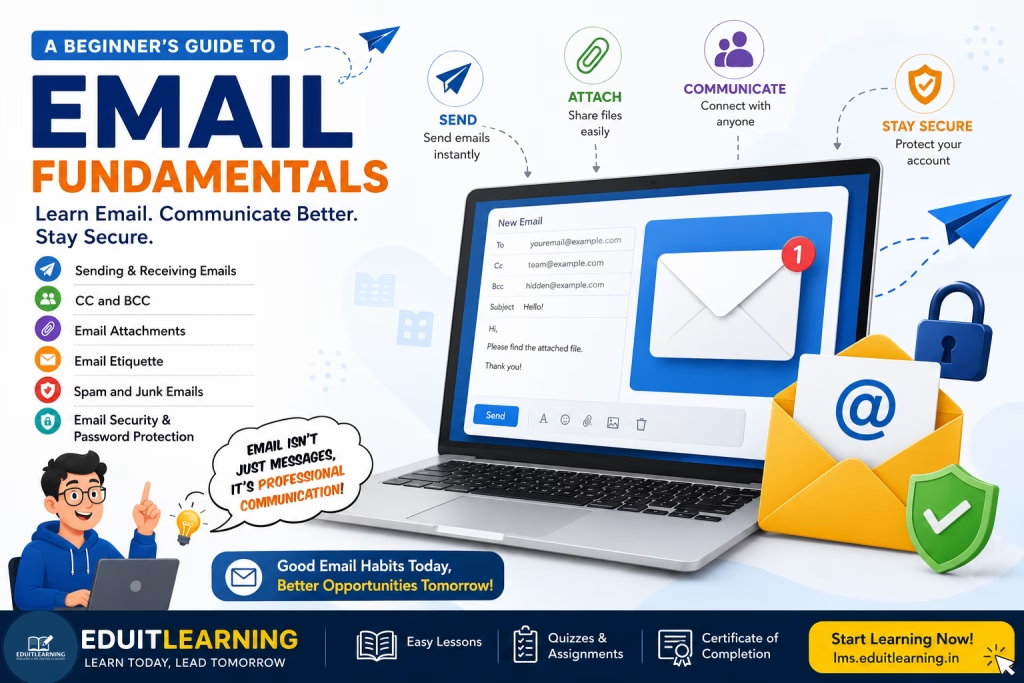
What is Email?
Email stands for Electronic Mail.
It is a method of sending and receiving digital messages through the Internet. Unlike traditional postal mail, email delivers messages within seconds regardless of the distance between the sender and receiver.
Emails can contain:
- Text messages
- Documents
- Images
- Videos
- PDF files
- Other digital attachments
Today, email is used for both personal and professional communication.
Understanding an Email Address
Every email user has a unique email address.
Example:
An email address consists of three parts:
- Username (johnsmith)
- @ Symbol
- Domain Name (gmail.com)
The username identifies the user, while the domain name identifies the email service provider.
Examples of email providers include:
- Gmail
- Outlook
- Yahoo Mail
- Proton Mail
Creating an Email Account
Creating an email account is simple and free.
To create an account:
- Visit an email service provider such as Gmail.
- Click on Create Account.
- Enter your personal information.
- Choose a username.
- Create a strong password.
- Verify your mobile number.
- Complete the registration process.
After registration, you can immediately start sending and receiving emails.
How to Send an Email
Sending an email is very easy.
Simply:
- Open your email account.
- Click Compose.
- Enter the recipient’s email address.
- Add a subject line.
- Write your message.
- Click Send.
A well-written email should always include a clear subject and professional message.
How to Receive an Email
When someone sends an email to your address, it arrives in your Inbox.
Most email services organize emails into folders such as:
- Inbox
- Sent
- Drafts
- Spam
- Trash
You can open any email to read its contents and reply if necessary.
What are CC and BCC?
When sending emails to multiple people, CC and BCC become useful.
CC (Carbon Copy)
CC allows you to send a copy of the email to additional recipients.
Everyone who receives the email can see the addresses listed in the CC field.
BCC (Blind Carbon Copy)
BCC also sends a copy of the email to additional recipients.
However, recipients cannot see who is included in the BCC field.
BCC is commonly used when sending emails to many people while protecting their privacy.
What are Email Attachments?
Email attachments allow you to send files along with your email.
Common attachments include:
- PDF files
- Images
- Word documents
- Excel spreadsheets
- Presentations
- Videos
Most email services provide a paperclip icon that allows users to attach files before sending the email.
Always check your attachment before clicking the Send button.
Email Etiquette: Best Practices for Professional Communication
Email etiquette refers to the proper way of writing and sending emails.
Following good email etiquette helps create a professional impression.
Some important rules include:
- Use a clear subject line.
- Start with a proper greeting.
- Use polite language.
- Keep the message concise.
- Check spelling and grammar.
- Avoid using ALL CAPITAL LETTERS.
- End with a professional closing.
Good email etiquette is especially important in schools, colleges, and workplaces.
Understanding Spam Emails
Spam emails are unwanted messages sent to large numbers of users.
Examples include:
- Fake lottery winnings
- Fraudulent offers
- Suspicious advertisements
- Unknown promotional emails
You should avoid clicking links or downloading attachments from suspicious emails.
Most email services automatically move spam messages to a Spam folder.
Email Security Tips
Protecting your email account is extremely important.
Here are some basic security practices:
- Use a strong password.
- Enable Two-Factor Authentication (2FA).
- Never share your password.
- Avoid suspicious links and attachments.
- Log out from public computers.
- Keep recovery information updated.
Following these practices helps keep your email account safe and secure.
Conclusion
Email remains one of the most important communication tools in the digital world. Whether you are a student, job seeker, business owner, or working professional, understanding email fundamentals is essential.
By learning how to create an email account, send and receive emails, use CC and BCC, attach files, follow email etiquette, and maintain email security, you can communicate more effectively and professionally online.
Important Questions on Email Fundamentals
1. What is Email?
Email (Electronic Mail) is a method of sending and receiving digital messages over the Internet. It is one of the most commonly used communication tools for personal, educational, and professional purposes.
2. What are the main parts of an Email Address?
An email address consists of three main parts:
- Username
- @ Symbol
- Domain Name
Example:
- student → Username
- @ → Separator
- gmail.com → Domain Name
3. Why is Email Important?
Email is important because it allows users to communicate quickly, share documents, create online accounts, receive notifications, and conduct professional communication from anywhere in the world.
4. What is the difference between Inbox and Sent Folder?
- Inbox: Stores emails received from other people.
- Sent Folder: Stores emails that you have sent to others.
5. What is CC in Email?
CC (Carbon Copy) is used to send a copy of an email to additional recipients. Everyone receiving the email can see the email addresses listed in the CC field.
6. What is BCC in Email?
BCC (Blind Carbon Copy) is used to send a copy of an email to additional recipients without revealing their email addresses to other recipients.
7. What are Email Attachments?
Email attachments are files sent along with an email message.
Examples include:
- PDF Files
- Images
- Word Documents
- Excel Sheets
- Presentations
- Videos
8. What is Email Etiquette?
Email etiquette refers to the rules and best practices for writing professional and respectful emails.
Some examples include:
- Using a clear subject line
- Writing politely
- Checking grammar and spelling
- Using a professional email address
9. What are Spam Emails?
Spam emails are unwanted or unsolicited emails sent to many users. They often contain advertisements, fake offers, suspicious links, or fraudulent content.
10. How Can You Secure Your Email Account?
You can secure your email account by:
- Using a strong password
- Enabling Two-Factor Authentication (2FA)
- Avoiding suspicious links
- Not sharing your password
- Logging out from public devices
- Keeping recovery information updated
Difference
| CC | BCC |
| Recipients are visible to everyone. | Recipients remain hidden from others. |
| Used for open communication. | Used for privacy and confidentiality. |
| Common in team communication. | Common when emailing multiple unknown recipients. |