
Computer Fundamentals Tutorial
Computer Fundamentals Tutorial is the perfect starting point for students who want to understand how computers work before learning programming, web development, networking, or software development.
Many students directly start learning HTML, CSS, JavaScript, Python, or Java.
However, they often struggle because they do not understand how computers actually work.
A computer is the foundation of modern technology.
For example:
- Websites run on computers
- Applications run on computers
- Networks connect computers
- The Internet depends on computers
- Emails are sent using computers
Therefore, before learning advanced technologies, it is important to build a strong understanding of computer fundamentals.
In this complete Computer Fundamentals tutorial, I will guide you step-by-step through all the important concepts that every beginner should learn.
Follow these lessons in sequence to build a strong foundation.
Computer Basics
Computer Hardware
- Structure of Keyboard Keys
- Connectivity of Keyboard and Mouse
- Block Diagram of the Computer
- CPU (Central Processing Unit)
Software and Memory
Networking and Internet
Computer Logic
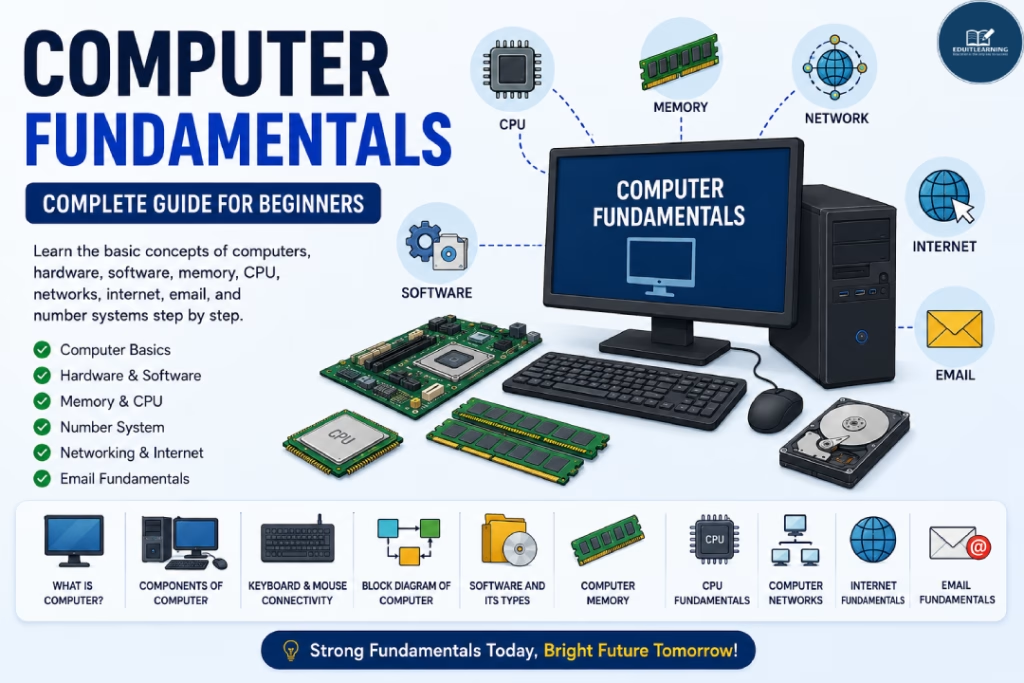
What is a Computer?
A computer is an electronic device that accepts data, processes it, stores it, and produces meaningful output.
Computers are used in almost every industry today.
For example:
- Education
- Banking
- Healthcare
- Business
- Entertainment
- Communication
Additionally, computers help automate tasks and improve productivity.
Because of this, computers have become an essential part of modern life.
Why Learn This Computer Fundamentals Tutorial?
Many students focus only on software and programming.
However, understanding computer fundamentals provides a stronger foundation.
Computer Fundamentals help you understand:
- How computers work
- How software interacts with hardware
- How data is processed
- How memory functions
- How networks communicate
As a result, learning advanced technologies becomes easier.
Prerequisites Before Learning Computer Fundamentals
The good news is that no technical background is required.
You only need:
- Basic computer access
- Curiosity to learn
- Willingness to practice
Therefore, this tutorial is suitable for complete beginners.
Computer Fundamentals Tutorial Roadmap
Let’s understand the complete roadmap step by step.
What is Computer?
This is where your learning journey begins.
In this lesson, you will learn:
- Definition of Computer
- Functions of Computer
- Input Process Output Cycle
- Uses of Computers
- Importance of Computers
Additionally, you will understand why computers are used in almost every field.
Basic Components of Computer
Every computer consists of several important components.
These components work together to process information.
You will learn:
- Input Unit
- Output Unit
- Memory Unit
- Processing Unit
- Storage Devices
Because of this lesson, you will understand how a computer performs tasks.
Characteristics of Computer
Computers possess several unique characteristics.
Examples include:
- Speed
- Accuracy
- Automation
- Reliability
- Storage Capacity
- Diligence
- Versatility
Therefore, computers can handle large amounts of data efficiently.
Types of Computer
Computers can be classified into different categories.
In this lesson, you will learn:
Digital Computers
Used for processing discrete data.
Analog Computers
Used for processing continuous data.
Hybrid Computers
Combination of digital and analog computers.
Additionally, you will understand where each type is commonly used.
Structure of Keyboard Keys
The keyboard is one of the most important input devices.
Understanding keyboard structure improves productivity.
You will learn:
- Alphanumeric Keys
- Function Keys
- Navigation Keys
- Numeric Keypad
- Special Keys
As a result, you will become more comfortable working with computers.
Connectivity of Keyboard and Mouse
Input devices must communicate with the computer.
Therefore, understanding connectivity methods is important.
You will learn:
- Wired Connectivity
- Wireless Connectivity
- USB Devices
- Bluetooth Devices
Because of this, you will understand how peripheral devices interact with computers.
Block Diagram of the Computer
The Block Diagram explains how data moves inside a computer.
You will learn:
- Input Unit
- CPU
- Memory Unit
- Output Unit
Additionally, you will understand the relationship between these components.
Software and its Types
Hardware alone cannot perform useful tasks.
Software provides instructions that tell hardware what to do.
In this lesson, you will learn:
System Software
Examples:
- Operating Systems
- Device Drivers
Application Software
Examples:
- MS Word
- Google Chrome
- Photoshop
Therefore, you will understand the difference between system and application software.
Computer Memory
Memory is used to store data and instructions.
Without memory, computers cannot perform tasks efficiently.
You will learn:
- RAM
- ROM
- Cache Memory
- Secondary Storage
Additionally, you will understand how memory affects computer performance.
CPU (Central Processing Unit)
The CPU is often called the brain of the computer.
It performs calculations and executes instructions.
You will learn:
- Arithmetic Logic Unit (ALU)
- Control Unit (CU)
- Processing Operations
Because of this lesson, you will understand how computers process data.
Number System
Computers understand numbers rather than human language.
Therefore, understanding number systems is important.
You will learn:
- Decimal Number System
- Binary Number System
- Octal Number System
- Hexadecimal Number System
Additionally, you will learn basic number conversions.
Registers vs Primary Memory
Many students confuse registers and memory.
However, they serve different purposes.
In this lesson, you will learn:
Registers
- Extremely Fast
- Located Inside CPU
- Temporary Storage
Primary Memory
- Larger Storage Capacity
- RAM and ROM
- Used During Program Execution
As a result, you will understand how processors handle data efficiently.
Computer Networks
Modern computers rarely operate in isolation.
Instead, they communicate through networks.
You will learn:
- Network Basics
- Types of Networks
- LAN
- MAN
- WAN
- Network Devices
Additionally, you will understand how data travels between systems.
Internet Fundamental
The Internet connects millions of computers worldwide.
Because of this, it has transformed communication and information sharing.
In this lesson, you will learn:
- What is Internet
- How Internet Works
- ISP
- Web Browser
- Website
- URL
- Domain Name
Therefore, you will gain a strong understanding of internet technologies.
Email Fundamentals
Email remains one of the most widely used communication tools.
You will learn:
- What is Email
- Email Structure
- Inbox
- CC
- BCC
- Attachments
- Professional Email Practices
Additionally, you will learn how email communication works across networks.
What Should You Learn After Computer Fundamentals?
After completing Computer Fundamentals, you can move toward:
- HTML
- CSS
- JavaScript
- Python
- Java
- Database Systems
- Computer Networking
- Web Development
As a result, you will be better prepared for advanced technical topics.
Career Benefits of Learning Computer Fundamentals
Computer Fundamentals are useful for:
- Students
- Programmers
- Web Developers
- Software Engineers
- Network Engineers
- IT Professionals
Therefore, these concepts remain valuable regardless of your technology career path