
CSS Borders
Have you ever noticed that some websites have boxes or images with a line around them? That is called border. It is there to highlight a section, make it stand out, or just to make the design look a little more interesting.
In this section we will learn about CSS borders step by step –
From Basic to more advanced things like changing the color, width, style, and rounding the corners of borders.
Meaning you have full control over the border of your element.
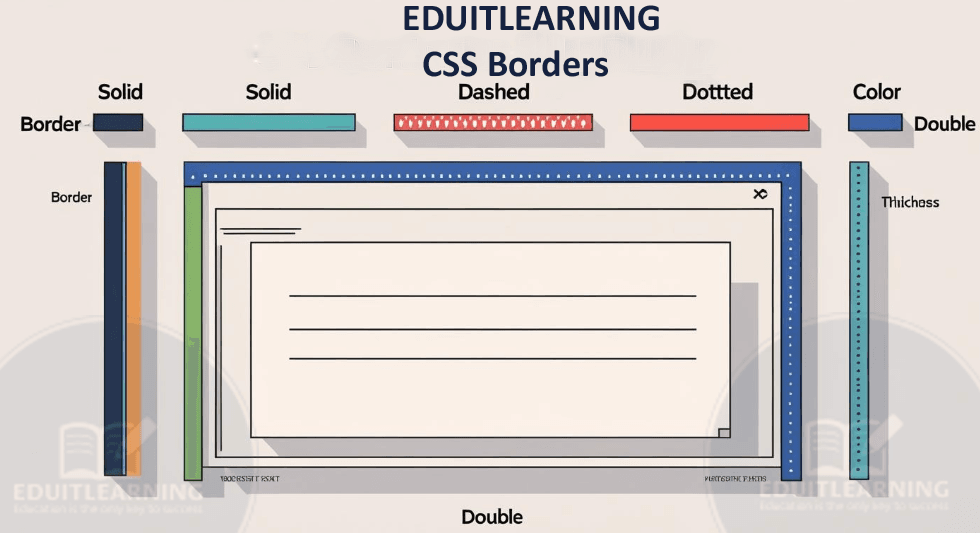
Border Properties are:
Border Style
border-style
border-top-style
border-right-style
border-bottom-style
border-left-style
Border Width
border-width
border-top-width
border-right-width
border-bottom-width
border-left-width
Border Color
border-color
border-top-color
border-right-color
border-bottom-color
border-left-color
Border Shorthand
border
border-top
border-right
border-bottom
border-left
Rounded Border
border-radius
border-top-left-radius
border-top-right-radius
border-bottom-right-radius
border-bottom-left-radius
Border Style
When you want to put a border on 4 sides (top, right, bottom, left) of a box (i.e. HTML element like div, p, h1, etc.), then border-style tells us how the border line will be designed. That is, how will the line look – straight, dotted, dashed, or any other design.
syntax:
border-style: solid;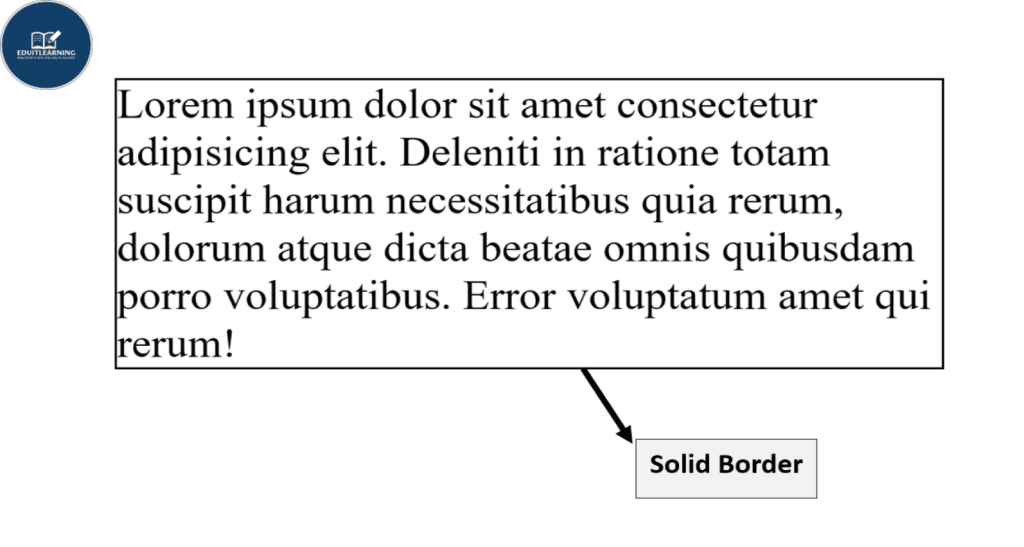
This means that a simple straight line will be drawn on all 4 sides of the box.
Values of border-style:
| Value | Meaning (in Simple English) |
| none | No border is visible. |
| solid | A simple, straight line. |
| dotted | A line made of small dots. |
| dashed | A line made of small dashes – like broken segments. |
| double | Two lines together – double border. |
| groove | Looks 3D, as if pressed inward. |
| ridge | Opposite of groove – looks 3D, as if raised outward. |
| inset | Gives the impression that the element is pressed in. |
| outset | Gives the impression that the element is popping out. |
4 types of specific border styles:
If you want, you can apply different styles for the 4 sides.
1. border-top-style
This just styles the top side (top) border.
border-top-style: dotted;The top line will appear in dots.
2. border-right-style
This only tells the style of the right side border.
border-right-style: dashed;The right side line will be visible in the pieces(dashed).
3. border-bottom-style
This just tells the style of the bottom side (below) border.
border-bottom-style: double;There will be 2 lines below, one double.
4. border-left-style
This sets the style of the left side border only.
border-left-style: solid;A straight line will appear on the left side.
If you want to write border-style for 4 sides at once, then you can write it like this:
border-style: solid dotted dashed double;Its meaning:
Top: solid
Right: dotted
Bottom: dashed
Left: double
If 2 values are given:
border-style: solid dotted;Top & Bottom: solid
Left & Right: dotted
If 3 values are given:
border-style: solid dotted dashed;Top: Solid
Left & Right: dotted
Bottom: dashed
If 4 values are given:
border-style: solid dotted dashed double;Top: Solid
Right: dotted
Bottom: dashed
Left: double
Most Important Questions
Q1. If I write only border-style: solid;, will it apply to all 4 sides (top, right, bottom, left) or just one side?
When you write only border-style: solid; without any other value, it applies the same style to all four sides.
Meaning: solid line will be applied on top, right, bottom, left all.
This is a short-hand property. If you enter multiple values then you can apply different styles on different sides.
Q2. What is the meaning of border-style: solid dotted dashed double;? Which value will be applied on which side?
This is a 4 value shorthand. The order is:
Top → solid
Right → dotted
Bottom → dashed
Left → double
That’s mean:
Top border solid
Right border dotted
Bottom border dashed
Left border double
Q3. If main border-top-style: dashed; is applied but border-style is not applied, then what border will be applied?
Yes, border will be applied.
If you specifically give side-wise style (border-top-style, border-right-style, etc.) then it works even without border-style.
But if width or color is not given then border may not be visible, because default width is medium but color can be transparent.
Therefore, to display it properly, you must specify border-width and border-color.
Q4. Can I use both border-style and border-top-style together in a single element? If yes, which one will come first?
Yes, both can be used.
But if there is a conflict between the two, the side-specific property takes more priority.
Example:
border-style: solid;
border-top-style: dotted;
This will have a dotted border on the top side (because border-top-style overrides it)
All other sides will have a solid border.
Q5. Does border-style have an effect on the left side without border-left-style?
Yes, it does.
If you write border-style: solid; and do not specify border-left-style, the left side will also be solid.
But if border-left-style is given and is different, it will override.
Q6. How does border-style create a visual hierarchy in CSS and what could be the real-world use case?
Border-style is used to create visual blocks – like a double border on the top of a box, and solid on the rest.
Use case:
Certificate design: You can create a professional feel by making the top border double, and the rest solid.
Quiz sections: Distinction can be shown by applying solid border around the question, and dotted border around the options.
These styles guide the user which section is important.
Q7. What will happen if border-style: none; is given but border-width: 5px; is given?
Nothing will be visible.
If style is none, even if there is border-width and border-color, the border will not be visible.
Because style itself says that there should be no border.
Q8. Is it possible to have 4 different border-styles on 4 sides of a single element?
Absolutely possible.
You can use border-top-style, border-right-style, border-bottom-style, border-left-style all separately.
Example:
border-top-style: dashed;
border-right-style: dotted;
border-bottom-style: double;
border-left-style: solid;
This is commonly used in complex UI designs.
Q9. What is the logical difference between border-style and outline-style? Interviewer may ask this to confuse.
border-style draws a line outside the content box inside the element and takes up space.
outline-style also draws a line but it is outside the element and does not take up layout space.
Meaning border makes the box bigger but not outline.
Plus, each side of border can be different but outline has the same style everywhere.
Q10. If an element has a border-style set but no border-width and border-color, what will happen?
Default values will apply:
border-width: medium (which can be visible)
border-color: currentColor (usually the color of the text)
The border will be visible, but it can look normal or like the default.
If you want a clear and specific border, it is important to specify the width and color.