
Introduction to Version Control
When multiple developers work on the same project, managing code can be difficult. Needing an older version of a file, accident tally deleting code, or undoing a feature can create problems.
Version Control is the solution to this problem. It maintains a history of every change, allowing you to revert to the previous version at any time and work safely with your team.
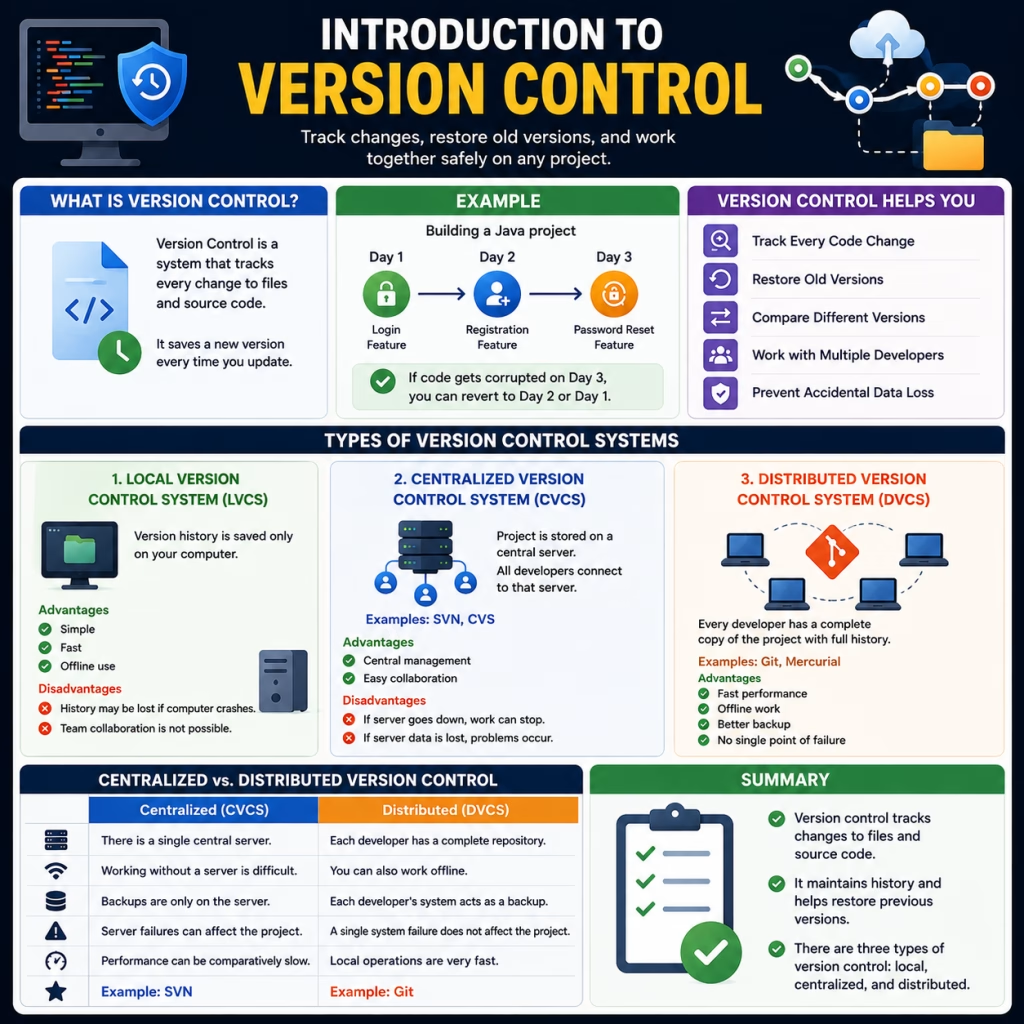
What is Version Control?
Version Control is a system that tracks every change to files and source code.
Every time you update your code, Version Control saves a new version. If any bugs or incorrect changes occur in the future, you can easily restore the previous version.
Example
Suppose you’re building a Java project.
- Day 1 → Login Feature
- Day 2 → Registration Feature
- Day 3 → Password Reset Feature
If the code gets corrupted on Day 3, Version Control allows you to revert to the Day 2 or Day 1 version.
That’s why Version Control is also considered a backup system for coding.
Version Control Helps You
- Track Every Code Change
- Restore Old Versions
- Compare Different Versions
- Work with Multiple Developers
- Prevent Accidental Data Loss
Types of Version Control Systems
There are mainly three types of version control.
1. Local Version Control System (LVCS)
In this, the version history is saved only on your computer.
No internet connection is required.
Advantages
- Simple
- Fast
- Offline use
Disadvantages
- History may be lost in case of a computer crash.
- Team collaboration is not possible.
2. Centralized Version Control System (CVCS)
This system has a central server where the project is stored.
All developers connect to that server.
Examples
- SVN (Subversion)
- CVS
Advantages
- Central management
- Easy collaboration
Disadvantages
- If the server goes down, everyone’s work can come to a halt.
- If the server is not backed up and data is lost, this can cause problems.
3. Distributed Version Control System (DVCS)
In this, every developer has a complete copy of the project.
Each developer maintains history on their local machine.
Examples
- Git
- Mercurial
Advantages
- Fast performance
- Offline work
- Better backup
- No single point of failure
The most popular version control system today is Git.
Centralized vs. Distributed Version Control
| Centralized Version Control | Distributed Version Control |
| There is a single central server. | Each developer has a complete repository. |
| Working without a server is difficult. | You can also work offline. |
| Backups are only on the server. | Each developer’s system acts as a backup. |
| Server failures can affect the project. | A single system failure does not affect the project. |
| Performance can be comparatively slow. | Local operations are very fast. |
| Example: SVN | Example: Git |
Summary
- Version control tracks changes to files and source code.
- It maintains history and helps restore previous versions.
- There are three types of version control: local, centralized, and distributed.