
Return Statements and Arrow Functions
we learned how to create functions and pass data using parameters and arguments.
Now it’s time to explore some advanced concepts that make functions even more powerful and flexible.
In this article, we will learn how functions return values, use default parameters, work with arrow function syntax, and communicate with other functions through callbacks.
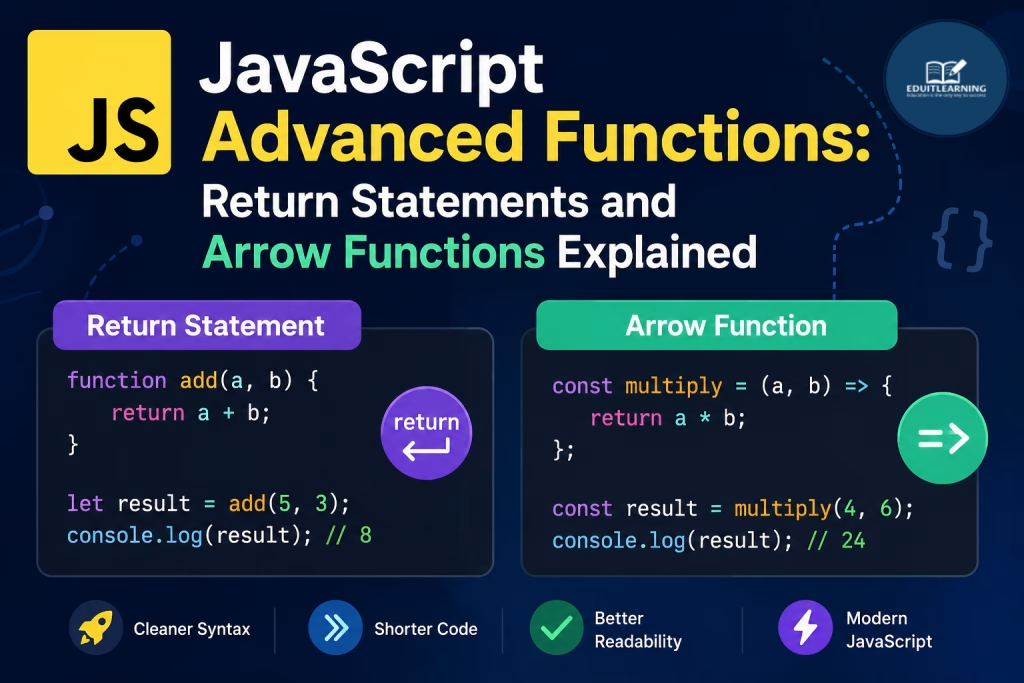
Return Statement
The return statement is used to send a value back from a function.
Without a return statement, a function simply performs an action and finishes its execution. With a return statement, a function can produce a result that can be stored and used elsewhere in the program.
Example Without Return
function add(a, b) {
    console.log(a + b);
}
add(5, 10);
Output
15
In this example, the result is displayed on the screen but cannot be stored for later use.
Example With Return
function add(a, b) {
    return a + b;
}
let result = add(5, 10);
console.log(result);
Output
15
The function returns the value, which is then stored inside the result variable.
Returning Strings
Functions can return any data type, including strings.
Example
function getCourse() {
    return "JavaScript";
}
let course = getCourse();
console.log(course);
Output
JavaScript
Why Return Values Are Important
Return values make functions more flexible because the result can be reused in different parts of a program.
Example
function multiply(a, b) {
    return a * b;
}
let total = multiply(10, 5);
console.log(total);
Output
50
Instead of directly printing the result, the function returns it so it can be stored, modified, or used later.
Default Parameters
Sometimes a function is called without providing all required arguments.
Default parameters allow us to assign a fallback value that JavaScript uses when no argument is supplied.
Syntax
function functionName(parameter = value) {
}
Example
function greet(name = "Student") {
    console.log("Hello " + name);
}
greet();
Output
Hello Student
Since no argument was provided, JavaScript used the default value.
Passing a Value
function greet(name = "Student") {
    console.log("Hello " + name);
}
greet("Ritik");
Output
Hello Ritik
The provided argument overrides the default value.
Multiple Default Parameters
A function can have multiple default parameters.
Example
function calculate(price = 100, quantity = 1) {
    return price * quantity;
}
console.log(calculate());
Output
100
Another Example
function calculate(price = 100, quantity = 1) {
    return price * quantity;
}
console.log(calculate(200, 3));
Output
600
Arrow Functions
Arrow Functions were introduced in ES6.
They provide a shorter and cleaner way to write functions.
Arrow Functions does not support Hoisting.
Hoisting means we can use a function before declaring it because JavaScript moves its declaration to the top before running the code.
Traditional Function
function greet() {
    console.log("Hello");
}
Arrow Function
const greet = () => {
    console.log("Hello");
};
Both functions perform the same task.
Arrow Function Syntax
Basic Syntax
const functionName = () => {
};
Arrow Function With Parameters
const greet = (name) => {
    console.log("Hello " + name);
};
greet("Ritik");
Output
Hello Ritik
Multiple Parameters
const add = (a, b) => {
    console.log(a + b);
};
add(10, 20);
Output
30
Short Arrow Functions
If a function contains only one statement, curly braces can be removed.
Example
const add = (a, b) => a + b;
console.log(add(10, 20));
Output
30
This is known as an implicit return because JavaScript automatically returns the result.
Most Important Questions
1. What is the purpose of the return statement?
The return statement sends a value back from a function.
function add(a, b) {
    return a + b;
}
2. What is the difference between console.log() and return?
| console.log() | return |
| Displays output | Sends value back |
| Cannot be stored | Can be stored in a variable |
| Used for testing | Used for producing results |
function add(a, b) {
    return a + b;
}
3. Can a function return a string?
Yes. Functions can return strings, numbers, arrays, objects, or any valid JavaScript data type.
function getCourse() {
    return "JavaScript";
}
4. What happens after a return statement executes?
The function immediately stops executing and returns the specified value.
function test() {
    return "Hello";
    console.log("World");
}
The console.log() statement will never execute.
5. What are Default Parameters?
Default Parameters allow a parameter to have a predefined value when no argument is passed.
function greet(name = "Student") {
    console.log(name);
}
6. Why are Default Parameters useful?
They prevent undefined values and make functions more flexible and reliable.
function greet(name = "Student") {
    console.log("Hello " + name);
}
7. Can a function have multiple Default Parameters?
Yes. Multiple parameters can have default values.
function calculate(price = 100, quantity = 1) {
    return price * quantity;
}
8. What is an Arrow Function?
An Arrow Function is a shorter way to write functions introduced in ES6.
const greet = () => {
    console.log("Hello");
};
9. How do you create an Arrow Function with parameters?
const greet = (name) => {
    console.log("Hello " + name);
};
10. What is the advantage of Arrow Functions?
Arrow Functions:
- Require less code
- Improve readability
- Provide cleaner syntax
- Are widely used in modern JavaScript frameworks
const add = (a, b) => a + b;
11. What is the difference between a Traditional Function and an Arrow Function?
| Traditional Function | Arrow Function |
| Uses function keyword | Uses => operator |
| Longer syntax | Shorter syntax |
| Available since early JavaScript | Introduced in ES6 |
| Support Hoisting | Does not Support Hoisting |
// Traditional Function
function greet() {
    console.log("Hello");
}

// Arrow Function
const greet = () => {
    console.log("Hello");
};Top of Form