
JavaScript String Search Methods
While working with strings, we often need to find whether a particular word exists inside a string, determine its position, or check how a string starts or ends.
For this purpose, JavaScript provides several String Search Methods.
In this article, we will learn the most commonly used string search methods with syntax, arguments, examples, and outputs.
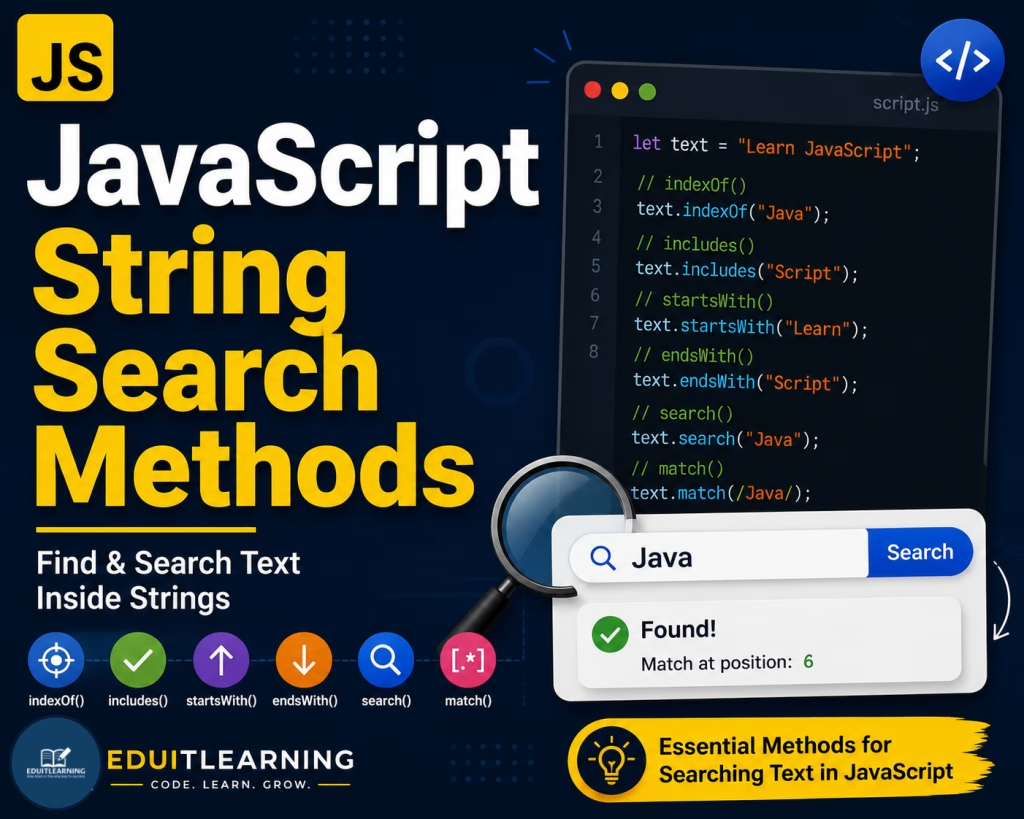
indexOf()
The indexOf() method returns the position of the first occurrence of a specified value in a string.
If the value is not found, it returns -1.
Syntax
string.indexOf(searchValue, startIndex)Arguments
searchValue: The text you want to search for.
startIndex (Optional): The position from where searching should begin. Default value is 0.
Example
let text = "Learn JavaScript";
console.log(text.indexOf("Java"));Output
6
The word “Java” starts at index position 6.
Example: Value Not Found
let text = "Learn JavaScript";
console.log(text.indexOf("Python"));Output
-1
lastIndexOf()
The lastIndexOf() method returns the position of the last occurrence of a specified value.
If the value is not found, it returns -1.
Syntax
string.lastIndexOf(searchValue, startIndex)Arguments
searchValue: The text to search.
startIndex (Optional): The position from where searching starts backwards.
Example
let text = "Java JavaScript Java";
console.log(text.lastIndexOf("Java"));Output
16
The last occurrence of “Java” begins at index position 16.
includes()
The includes() method checks whether a specified value exists inside a string.
It returns either true or false.
Syntax
string.includes(searchValue, startIndex)Arguments
searchValue: The value to search.
startIndex (Optional): Position from where searching should start.
Example
let text = "Learn JavaScript";
console.log(text.includes("Java"));Output
true
Example
let text = "Learn JavaScript";
console.log(text.includes("Python"));
Output
false
startsWith()
The startsWith() method checks whether a string starts with a specified value.
It returns true or false.
Syntax
string.startsWith(searchValue, startIndex)Arguments
searchValue: The text to check.
startIndex (Optional): Position from where checking should begin.
Example
let text = "Learn JavaScript";
console.log(text.startsWith("Learn"));Output
true
Example
let text = "Learn JavaScript";
console.log(text.startsWith("Java"));
Output
false
endsWith()
The endsWith() method checks whether a string ends with a specified value.
Syntax
string.endsWith(searchValue, length)Arguments
searchValue: The text to check.
length (Optional): Specifies the length of the string to consider.
Example
let text = "Learn JavaScript";
console.log(text.endsWith("Script"));Output
true
Example
let text = "Learn JavaScript";
console.log(text.endsWith("Java"));
Output
false
search()
The search() method searches a string and returns the position of the first match.
If no match is found, it returns -1.
Syntax
string.search(searchValue)Arguments
searchValue: The text or regular expression to search.
Example
let text = "Learn JavaScript";
console.log(text.search("Java"));Output
6
match()
The match() method searches a string and returns matching results.
Syntax
string.match(searchValue)Arguments
searchValue: The string or regular expression to search.
Example
let text = "Learn JavaScript";
console.log(text.match("Java"));Output
[“Java”]
matchAll()
The matchAll() method returns all matches from a string. It is mainly used with Regular Expressions.
Syntax
string.matchAll(pattern)Arguments
pattern: A regular expression used for matching.
Example
let text = "Java Java Java";
console.log([...text.matchAll(/Java/g)]);Output
[
[“Java”],
[“Java”],
[“Java”]
]
All occurrences of “Java” are returned.
Summary
These methods help us search, locate, and verify text within strings and are commonly used in form validation, filtering, searching, and data processing.