
Understanding JavaScript Syntax
Every programming language follows a set of rules called syntax.
Syntax defines how code should be written and structured.
If syntax rules are not followed, JavaScript will generate errors and fail to execute properly.
Therefore, understanding syntax is essential before learning advanced topics.
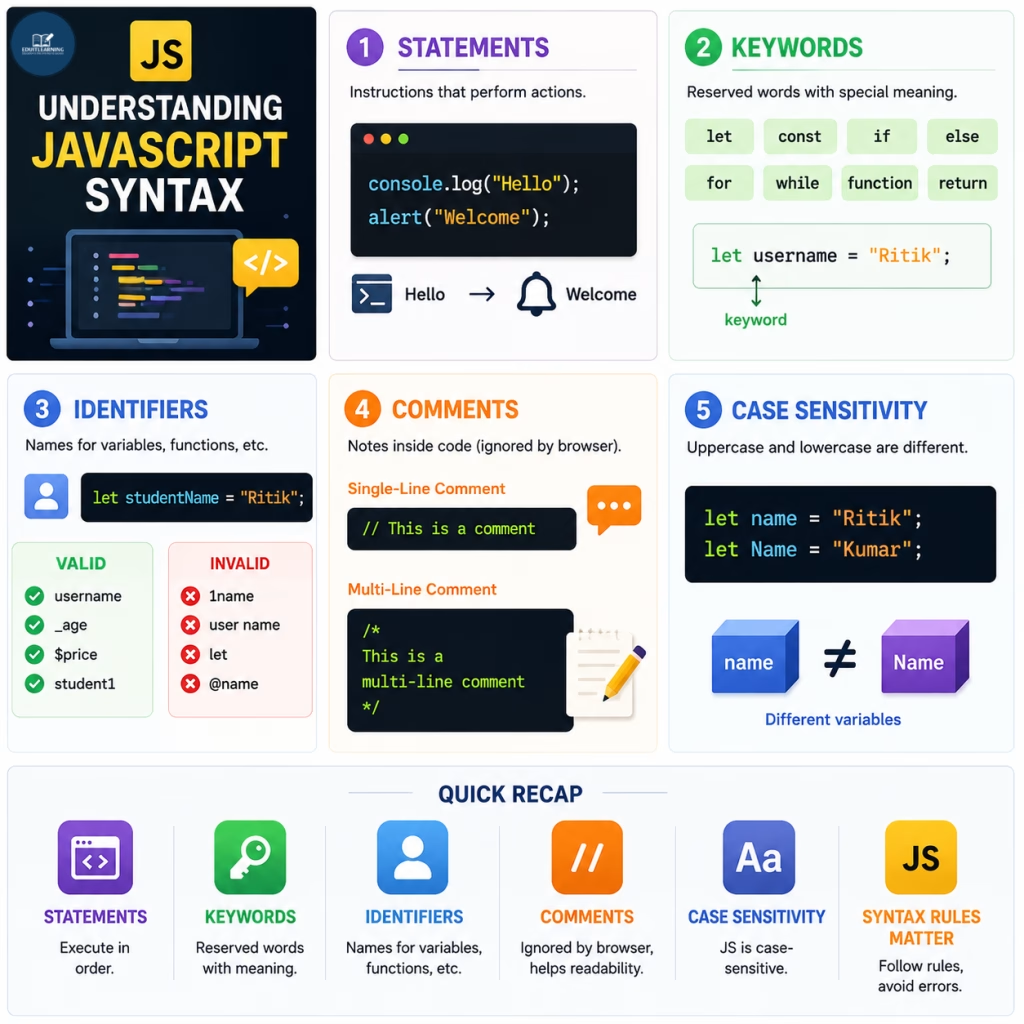
Statements
A statement is an instruction that tells the browser to perform an action.
Example:
console.log("Hello");
alert("Welcome");
Each line above is a separate statement.
JavaScript executes statements in the order they appear.
Keywords
Keywords are reserved words with special meanings.
Common JavaScript keywords include:
- Let
- Const
- If
- Else
- For
- While
- Function
- return
These words cannot be used as variable names.
Example:
let username = "Ritik";Here, let is a keyword used to declare a variable.
Identifiers
Identifiers are names assigned to variables, functions, and other programming elements.
Example:
let studentName = "Ritik";In this example, studentName is an identifier.
Rules for Identifiers
- Must start with a letter, underscore (_) or dollar sign ($)
- Cannot start with a number
- Cannot contain spaces
- Cannot use JavaScript keywords
- Can contain letters and numbers
Valid Examples:
- username
- _age
- $price
- student1
Invalid Examples:
- 1name
- user name
- let
Comments
Comments are notes written inside code.
The browser ignores comments during execution.
Single-Line Comment
// This is a commentMulti-Line Comment
/*
This is a
multi-line comment
*/
Comments improve readability and make code easier to maintain.
Case Sensitivity
JavaScript is case-sensitive.
This means uppercase and lowercase letters are treated differently.
Example:
let name = "Ritik";
let Name = "Kumar";
Here, name and Name are different variables.
Because of this, developers must pay close attention to capitalization.