
JavaScript Functions
Functions help us write cleaner, reusable, and well-organized code. Instead of writing the same code multiple times, we can place it inside a function and use it whenever required.
In this article, we will learn the fundamentals of JavaScript functions and how they are used in applications.
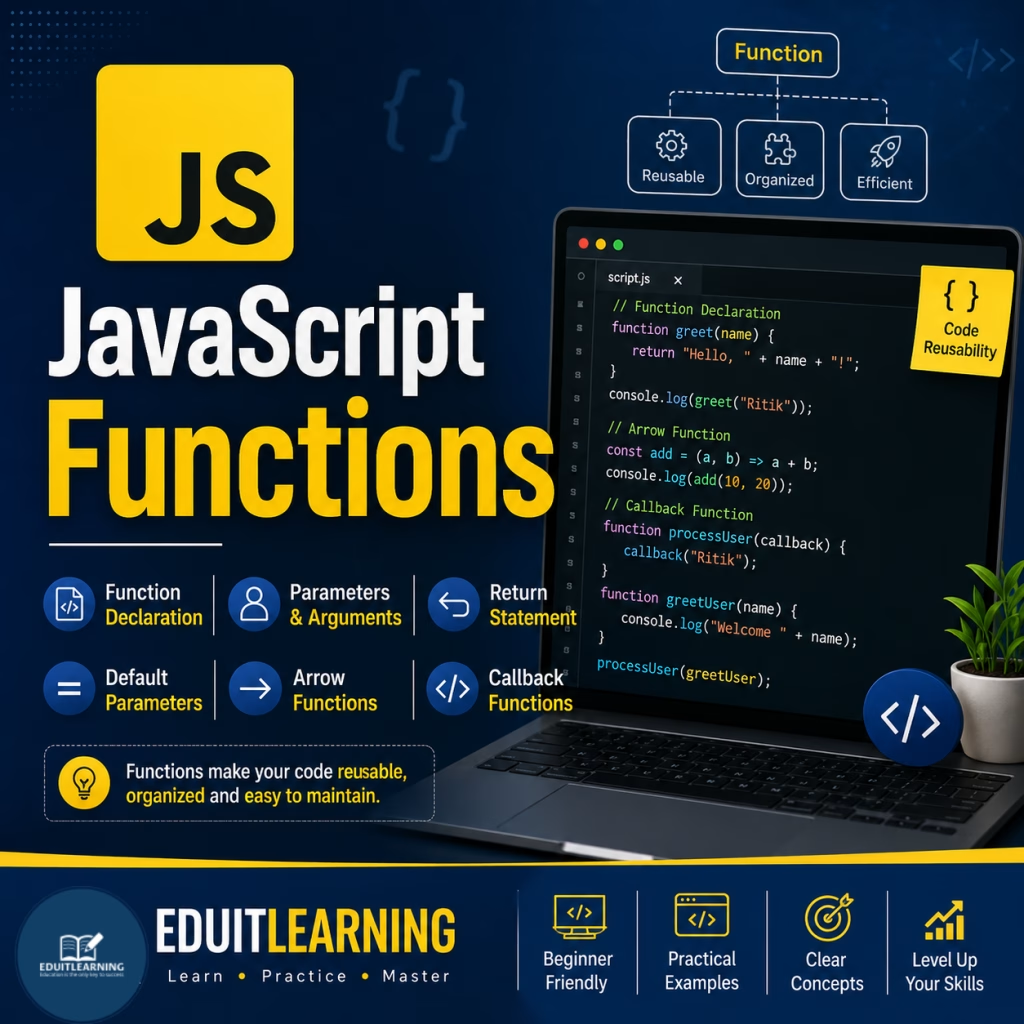
What is a Function?
A function is a reusable block of code that performs a specific task.
Once a function is created, it can be called whenever needed.
Example
function greet() {
    console.log("Welcome to JavaScript");
}
greet();Output
Welcome to JavaScript
In this example:
- greet is the function name.
- The code inside {} is the function body.
- greet() executes the function.
Function Declaration
The most common way to create a function is called a Function Declaration.
Syntax
function functionName() {
    // code
}
Example
function showMessage() {
    console.log("JavaScript Functions");
}
showMessage();Output
JavaScript Functions
Function Declaration Structure
function showMessage() {
    console.log("Hello");
}
Components
- function → Keyword used to create a function
- showMessage → Function name
- () → Parameters section
- {} → Function body
Function Expression
A function can also be stored inside a variable.
This is called a Function Expression.
Syntax
const variableName = function() {
    // code
};
Example
const greet = function() {
    console.log("Welcome Student");
};
greet();Output
Welcome Student
Function Declaration vs Function Expression
Function Declaration
function hello() {
    console.log("Hello");
}
Function Expression
const hello = function() {
    console.log("Hello");
};
Both perform the same task.
The difference is in how they are created and stored. Expression function cannot be used before declaration but function created with “function” keyword without expression, can be used/call before declaration.
Parameters and Arguments
Functions become more useful when they can accept data.
Parameter
A parameter is a variable written inside the function definition. Used to take data into the function.
Argument
An argument is the actual value passed when calling the function.
Example
function greet(name) {
    console.log("Hello " + name);
}
greet("Ritik");Output
Hello Ritik
Here:
- name is a parameter.
- “Ritik” is an argument.
Multiple Parameters
A function can have more than one parameter.
Example
function add(a, b) {
    console.log(a + b);
}
add(10, 20);Output
30
Another Example
function studentInfo(name, age) {
    console.log("Name:", name);
    console.log("Age:", age);
}
studentInfo("Rahul", 21);Output
Name: Rahul
Age: 21
Most Important Questions
1. What is a function in JavaScript?
A function is a reusable block of code that performs a specific task. Once created, it can be called whenever needed.
function greet() {
    console.log("Hello");
}
2. Why do we use functions in JavaScript?
Functions help:
- Reduce code repetition
- Improve code organization
- Make programs easier to maintain
- Reuse code multiple times
3. What is a Function Declaration?
A Function Declaration is the most common way to create a function using the function keyword.
function showMessage() {
    console.log("JavaScript");
}
4. What are the main parts of a function?
A function consists of:
- Function Keyword (function)
- Function Name
- Parameters
- Function Body
function greet(name) {
    console.log(name);
}
5. What is a Function Expression?
A Function Expression is a function stored inside a variable.
const greet = function() {
console.log(“Hello”);
};
6. What is the difference between Function Declaration and Function Expression?
| Function Declaration | Function Expression |
| Created using function keyword directly | Stored inside a variable |
| Can be called before declaration | Cannot be called before initialization |
| More commonly used | Useful for dynamic behavior |
7. What is a Parameter?
A parameter is a variable written inside the function definition that receives data.
function greet(name) {
}
Here, name is a parameter.
8. What is an Argument?
An argument is the actual value passed to a function during function call.
greet("Ritik");Here, “Ritik” is an argument.
9. Can a function have multiple parameters?
Yes. A function can accept multiple parameters separated by commas.
function add(a, b) {
    console.log(a + b);
}
10. What is the benefit of using functions in large programs?
Functions divide large programs into smaller manageable parts, making code easier to understand, debug, and maintain.