
JavaScript String Extraction Methods
Sometimes we do not need the entire string. Instead, we may need only a specific part of it.
For example:
- Extracting a username from an email address
- Extracting a file extension
- Extracting a date from a timestamp
- Splitting a sentence into words
For such tasks, JavaScript provides String Extraction Methods.
In this article, we will learn the most commonly used extraction methods with examples and outputs.
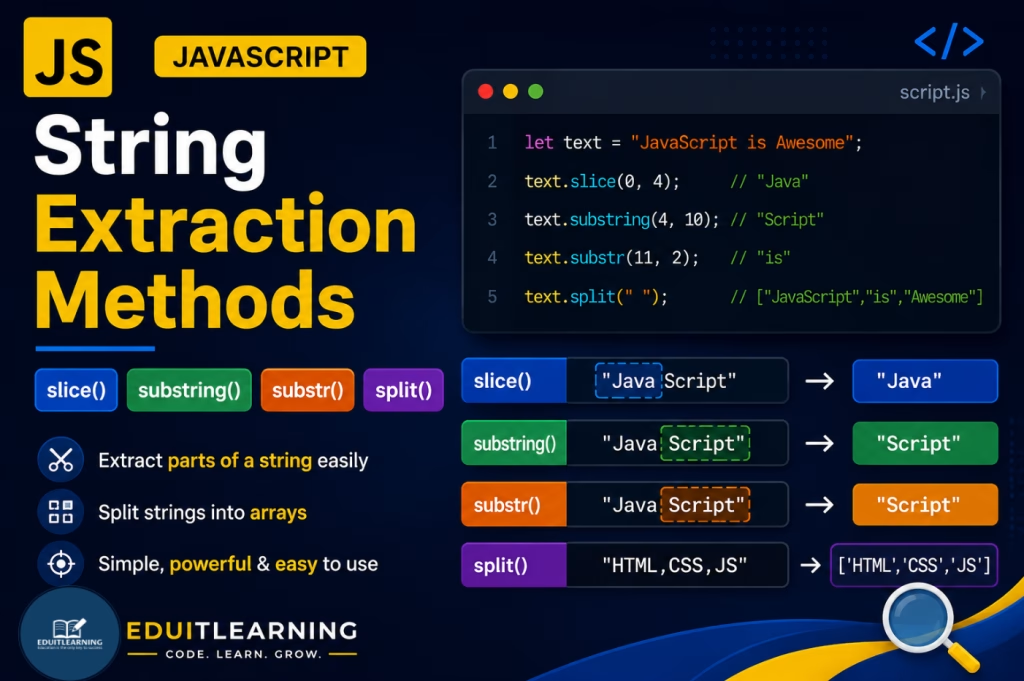
slice()
The slice() method extracts a portion of a string and returns it as a new string.
The original string remains unchanged.
Syntax
string.slice(startIndex, endIndex)
Arguments
startIndex: The position where extraction starts.
endIndex (Optional): The position where extraction stops. The character at this position is not included.
Example
let text = "JavaScript";
console.log(text.slice(0, 4));Output
Java
Extraction starts from index 0 and stops before index 4.
Example
let text = "JavaScript";
console.log(text.slice(4));Output
Script
When endIndex is not provided, extraction continues until the end of the string.
Negative Index Example
let text = "JavaScript";
console.log(text.slice(-6));
Output
Script
Negative values count from the end of the string.
substring()
The substring() method extracts characters between two positions.
It is similar to slice(), but it does not support negative indexes.
Syntax
string.substring(startIndex, endIndex)
Arguments
startIndex: Starting position.
endIndex (Optional): Ending position. This position is not included in the result.
Example
let text = "JavaScript";
console.log(text.substring(0, 4));Output
Java
Example
let text = "JavaScript";
console.log(text.substring(4));
Output
Script
Difference Between slice() and substring()
| Feature | slice() | substring() |
| Negative Index Support | Supports negative indexes | Does not support negative indexes |
| Start > End | Returns an empty string | Automatically swaps the values |
| Syntax | slice(start, end) | substring(start, end) |
| Example | text.slice(-6) | text.substring(-6) |
| Best Use Case | When you need to count from the end of a string | When working with positive indexes only |
let text = "JavaScript";
console.log(text.slice(-6));      // Script
console.log(text.substring(-6)); // JavaScriptsplit()
The split() method converts a string into an array.
It separates the string based on a specified separator.
Syntax
string.split(separator, limit)
Arguments
separator: The character or text used to split the string.
limit (Optional): Maximum number of elements to return.
Example
let text = "HTML,CSS,JavaScript";
console.log(text.split(","));Output
[“HTML”, “CSS”, “JavaScript”]
Example
let text = "HTML CSS JavaScript";
console.log(text.split(" "));
Output
[“HTML”, “CSS”, “JavaScript”]
Example Using Limit
let text = "HTML,CSS,JavaScript,React";
console.log(text.split(",", 2));
Output
[“HTML”, “CSS”]
Only the first two elements are returned.
Example: Extract Username from Email
let email = "ritik@gmail.com";
console.log(email.split("@")[0]);Output
ritik
Practical Example: Extract Domain Name
let email = "ritik@gmail.com";
console.log(email.split("@")[1]);Output
gmail.com